All chapters
Add notes and research
Give the assistant material it may quote and cite without mixing it into your manuscript.
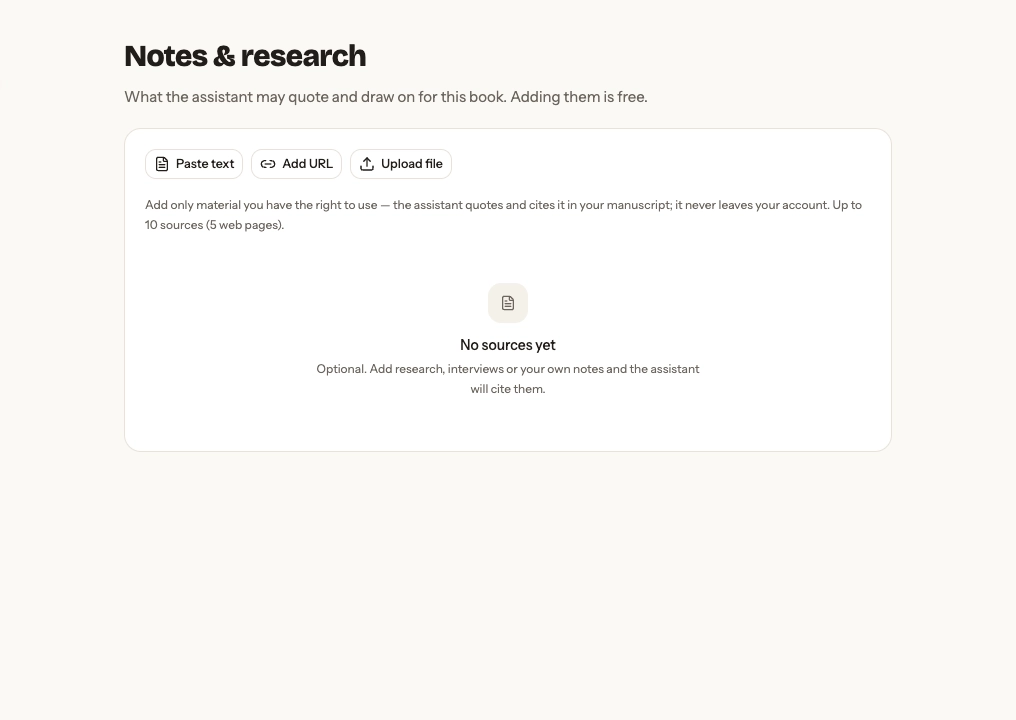
Choose a source type
Paste text, add a public URL, or upload TXT, Markdown, PDF, or DOCX. Use a clear title so you can recognize the source later.
Know when a source is ready
Reading…, Ready, and Couldn’t read show extraction state. A ready source can show its title, word count, URL, citation-key tooltip, and optional summary. Remove anything the book should no longer use.
Use sources responsibly
Add only material you have the right to use and check every claim before publishing. A book can hold up to 10 sources, including up to 5 web pages. The UI accepts files up to 20 MB, with 50 MB total uploaded material.
Extraction is free. When Chapbook offers an AI action involving a source, it shows any Book Credit cost before work starts.
Web research costs 5 credits for the search, plus 2 for each new source overview, up to 15 credits for five sources. You pay only for completed work, and the charge cannot exceed the amount shown before you start.
An overview reads up to 4,000 words. For a longer source, Chapbook samples excerpts from across the text and labels the result Overview of excerpts. The complete extracted source stays in your notes. Use the overview to decide what to read; check the original before relying on a claim or quotation.
Keep private material private
Sources stay in the author account and are not exposed by a public book page or feedback link. An inline image that you deliberately place in a shared manuscript can be served with that book view; the underlying source is still private.