Workbook creator: lessons and exercises from one paragraph
Chapbook is a workbook creator that writes and typesets the whole workbook. Describe the reader and what they will be able to do by the end; it plans lessons that each end in an exercise, drafts 1,000 to 20,000 words, and exports a PDF to print or, if you turn it on, to type into.


- 1,000–20,000 words
- The length of a workbook, 6,000 by default. You set each chapter's length in the outline.
- About 91 credits
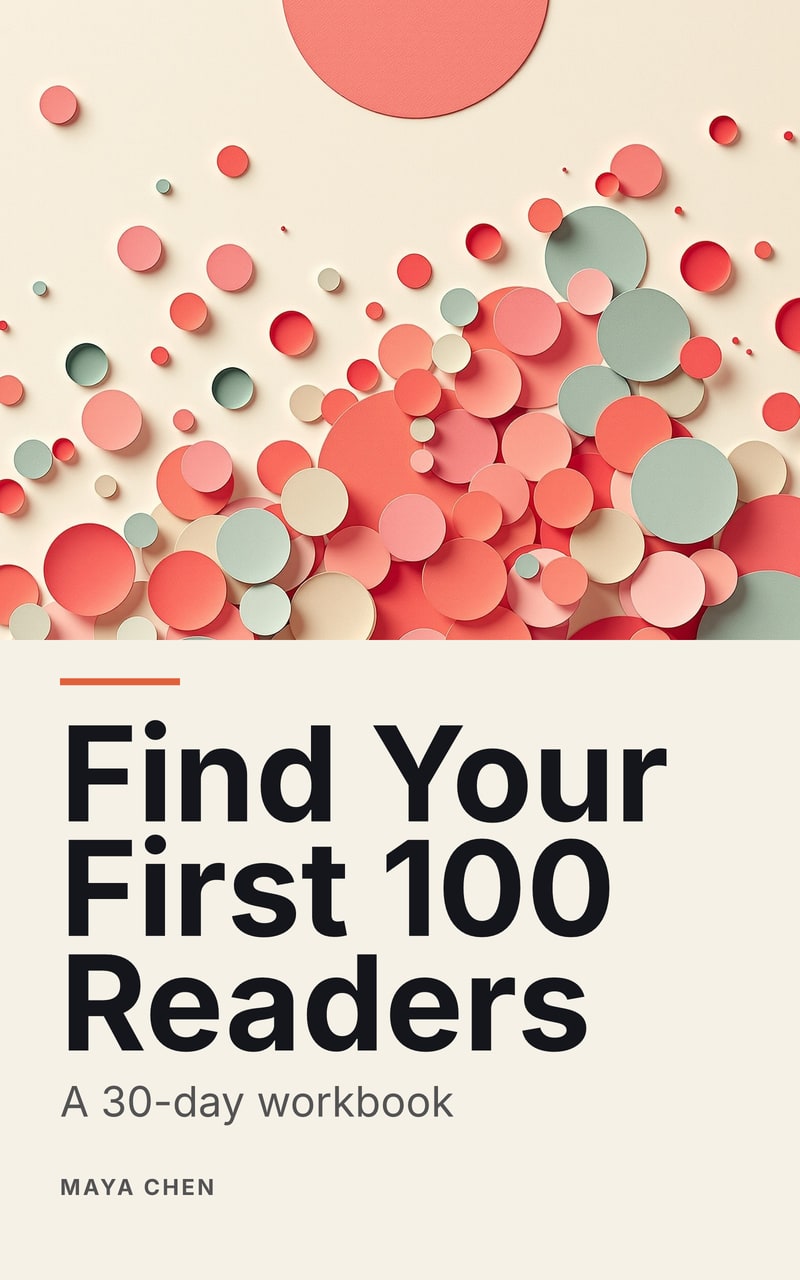
- A first draft like Find Your First 100 Readers at its planned chapter lengths: planning, its 6 chapters, one read-through and one cover. See pricing.
- 24 pages
- Find Your First 100 Readers came out at 5,850 words on US Letter, 8.5 × 11 in, as a digital PDF and an EPUB 3.
What makes it a workbook
A workbook is judged by what the reader does, not by what they read. So every body chapter Chapbook plans ends in an exercise, and the outline shows you each one before a word is drafted. Drafting then writes a short lesson and stops at the work: lines to write on, checklists to tick, and tables whose empty cells are boxes to fill in.
The sample here, Find Your First 100 Readers, runs that way week by week: a lesson on the reader, then the page, then where those readers gather, each ending in something to do that week.
Who it is for
- Coaches who want clients doing the work between sessions, on paper, in an order you chose.
- Course creators who need a companion to the lessons, one a student can keep open beside the video.
- Trainers and consultants who hand out the same exercises at every workshop and would rather not rebuild them in a word processor.
Print it, or type in it
The PDF is set for printing, with answer lines that leave room for a hand. Turn on Fillable answers in the look and the same pages also take typing: the lines become form fields and the empty boxes become checkboxes, with no change to how the page prints. The fields exist only in the digital PDF. The paperback interior, the EPUB and the Word document stay as they are.
For a printed edition, the workbook exports a KDP-sized paperback interior with mirrored margins and a preflight report, and a full-wrap cover. The free spine and cover template calculator works out the same measurements before you start.
How it works
- Write the brief. Who the workbook is for and what they can do once they finish it. Add your notes or course material as sources if you have them.
- Approve the outline. Planning uses 10 credits. Check that each chapter’s exercise is one you would set yourself.
- Read it free. The free plan drafts one chapter of up to 2,500 words, with a watermarked cover, so you can try an exercise before paying.
- Draft, edit, export. Drafting uses 1 credit per 125 words, and credits reserved for words that were not written come back. Give it a link and the workbook ends on a Next step page, a button and a QR code to wherever the reader goes next, unless you turn it off.
Give it away from its own page
On a paid plan the workbook gets a public book page where a reader signs up to download the PDF. Each sign-up lands in your Readers list, ready to export as CSV to your email tool.
What it does not do
A Chapbook workbook does not score answers, collect them or track who finished, and it is not a course platform. It writes nonfiction only, in English, Spanish, German, French, Portuguese (Brazil), Italian and Dutch. The exercises are drafted from your brief and sources, so read them as a teacher would: only you know whether one works for your clients.
Guides
- How to make a workbook for your course Turn each module’s outcome into an exercise students complete, in lesson order, with room to write. Which exercises help people remember, and which format to deliver.
- Lead magnet vs workbook vs ebook: which should you make? A lead magnet earns an email address, a workbook gets the reader doing the work, and an ebook teaches a subject in depth. How to choose by what the reader should do next.
- PDF vs EPUB: which your readers need A PDF keeps fixed pages and an EPUB reflows to fit the screen. Which to give readers for a lead magnet, a workbook or a store, and what KDP, Apple and Kindle accept.
Questions people ask
How long is a workbook made with Chapbook?
A Chapbook workbook is 1,000 to 20,000 words long, 6,000 by default. You set each chapter's length in the outline before anything is drafted.
Can readers type their answers into the PDF?
Yes, if you turn on Fillable answers in the workbook's look. Readers can then type on the answer lines and tick the empty boxes in any PDF app that fills in forms, including web browsers. The page looks and prints the same until they do.
Does Chapbook see what readers write in a workbook?
No. A fillable PDF keeps the answers in the reader's own copy of the file. Nothing a reader types comes back to Chapbook or to you, unless they send you the file.
Can I print a workbook as a paperback?
A workbook also exports a KDP-sized paperback interior and a wrap cover, each with a preflight report. Amazon reviews every book, so KDP-sized is not a promise of acceptance, and a printed proof is your last check.
Can I build a workbook from my course material?
Yes. Add up to 10 sources (PDFs, documents, text or web pages) to the book. Chapters draw on them and can cite them inline, and the read-through flags claims no source supports.
What can I see before I pay?
The complete outline, one chapter of up to 2,500 words and a watermarked cover. They use the 60 credits a new account gets once, with no card.
Read a chapter of your own book before you pay for it.
The outline, one sample chapter up to 2,500 words and a watermarked cover are free: 60 Book Credits on sign-up, no card.