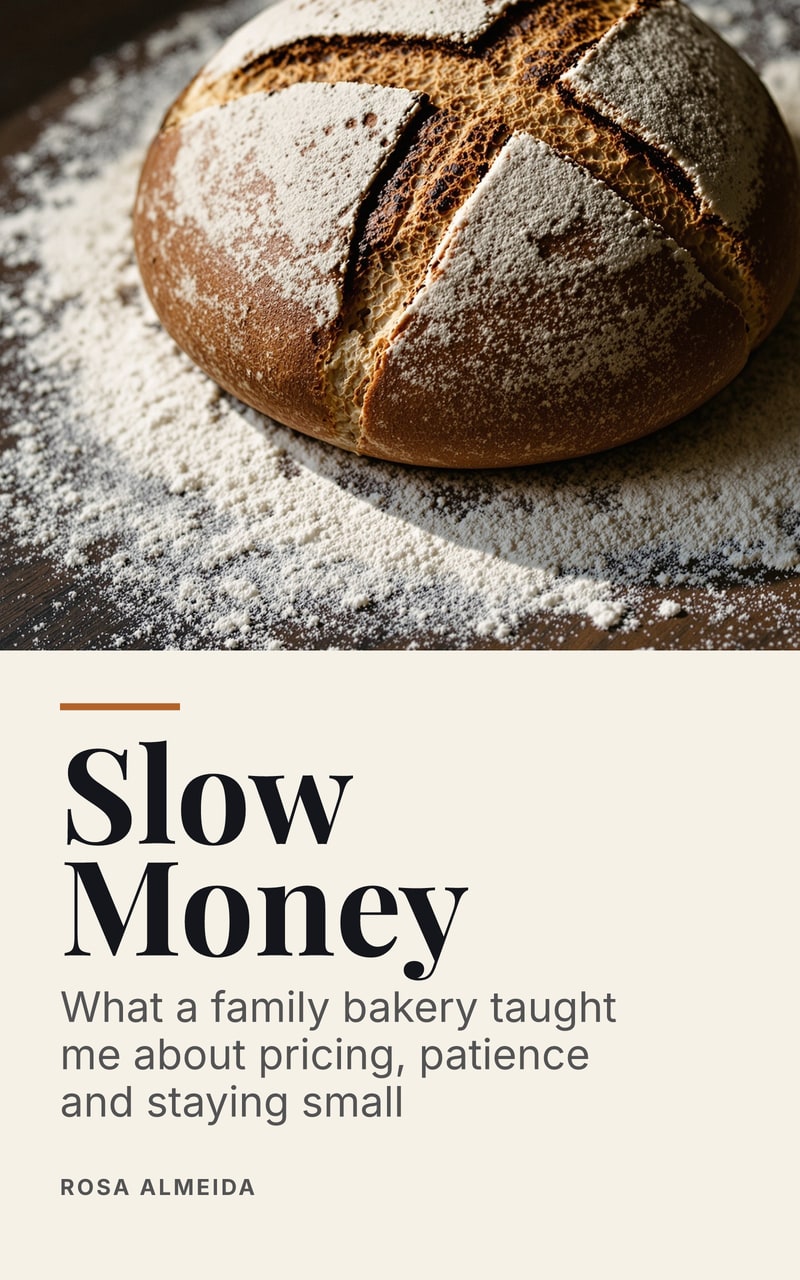
PDF vs EPUB: which your readers need
Use a PDF when the design matters or the book will be printed, and an EPUB when people will read in a reading app or on an e-reader. A PDF keeps fixed pages; an EPUB reflows to fit the screen. For a free lead magnet, send the PDF first and offer the EPUB too. To sell through ebook stores, start with the EPUB: Apple Books names it, KDP recommends it and Google Play takes it.
How they differ
The difference is what happens when the screen changes. A PDF is a set of pages. An EPUB is text and instructions for showing it. The EPUB 3.3 standard says it plainly: “EPUB publications by default are intended to reflow to fit the available screen space.”
| EPUB | ||
|---|---|---|
| Layout | Fixed, identical everywhere | Reflows to the screen, with a fixed-layout option some publishers use |
| On a phone | The whole page, shrunk: readers zoom and scroll | Fits the screen, and the reader picks the type size |
| Printing | Prints as designed | Not made for printing |
| Answer lines and form fields | Can sit exactly where they should | Answer lines don’t hold their place when text reflows |
| Your design | Exactly what you approved | The reading app can change fonts, margins and colors |
Which to use, by what you are making
A free lead magnet. PDF first. You chose its look on purpose, the reader can open it without installing anything, and it prints. Add the EPUB if your readers are the sort to carry an e-reader.
A workbook. PDF. Exercises need room to write, in the right place, and that needs fixed pages.
A book you sell in stores. EPUB. Apple’s help page says “Apple accepts EPUBs”, and Amazon’s KDP recommends DOCX, KPF and EPUB. KDP lists PDF only among additional accepted formats and only in certain languages. Google Play Books takes either EPUB or PDF.
A long book for your list. Both. Long reading happens on e-readers and phones, where reflowing text is kinder, but some readers will want pages they can print or annotate.
A brochure or printable pack. PDF. These are page designs, and reflowing would break them.
Readers on Kindle can use either
If someone on your list reads on a Kindle, you don’t need a special file. Amazon’s Send to Kindle lists PDF and EPUB among its supported file types, with uploads of 200 MB or smaller on the web. MOBI is not on that list, so don’t make one for them. KDP no longer accepts MOBI files either.
Where Chapbook fits
On a paid plan, Chapbook exports every book except an activity pack as a typeset digital PDF, an EPUB 3 and a Word document, from the same text. An activity pack is pages to print, so it comes as a PDF only. The free plan gives a watermarked PDF, and EPUB needs a paid plan. The sample on this page has both files beside it, so you can compare them on your own phone. A book’s public Chapbook page gives readers the PDF when they sign up.
What to do
-
Ask where it will be read
Think about the moment your reader opens it. On a laptop, or to be printed: PDF. On a phone in bed, or on an e-reader: EPUB. If you can’t tell, offer both.
-
Ask whether the layout carries meaning
Worksheets, tables, two-page spreads and answer lines rely on the page. If moving them would break the content, the PDF is the real book and the EPUB is the extra.
-
Open both on a phone
Download the two files for the sample on this page and read a chapter of each on your phone. Pinching and scrolling a page next to text that fits the screen shows the difference quickly.
-
Check your store’s page
If you are selling, read the store’s own list of formats before you start. Stores differ, and they change these lists.