Lead magnet generator: a typeset guide from one paragraph
Chapbook is a lead magnet generator that writes and typesets the whole guide. You describe the reader and the promise in one paragraph; it proposes titles and an outline for you to approve, drafts 1,000 to 10,000 words chapter by chapter, makes a cover, and exports a digital PDF and an EPUB 3 to give away.


- 1,000–10,000 words
- The length of a lead magnet, 4,000 by default. You set each chapter's length in the outline.
- About 73 credits
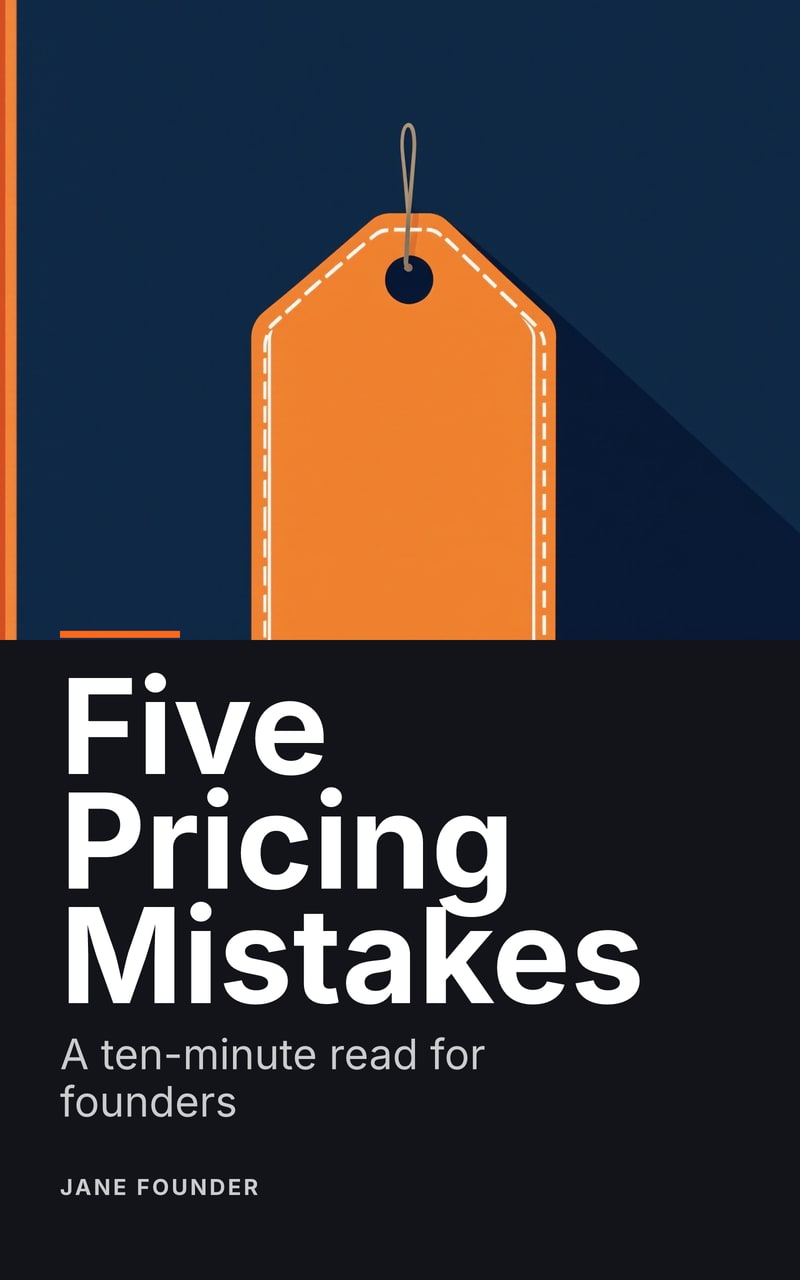
- A first draft like Five Pricing Mistakes at its planned chapter lengths: planning, its 7 chapters, one read-through and one cover. See pricing.
- 17 pages
- Five Pricing Mistakes came out at 3,735 words on US Letter, 8.5 × 11 in, as a digital PDF and an EPUB 3.
What you get
A lead magnet made in Chapbook is a short, finished book, not a document to lay out afterwards. The planner proposes title options, a one-line positioning and a chapter-by-chapter outline with a word count for each chapter. You reorder, rewrite or cut chapters until the outline is the guide you meant, and only then is anything drafted.
Each chapter is drafted against its line in the outline, in the voice the brief describes. The finished guide is typeset by Typst in the look you choose, with a contents page that links to every chapter, running heads and the fonts embedded. The cover is generated from the brief, with the title set as type so it is never misspelt, or you upload your own.
How it works
- Write the brief. One paragraph: who the guide is for, what it promises and how it should sound. Add notes, PDFs or web pages as sources if you have them.
- Approve the outline. Planning uses 10 credits. Change anything before a word is drafted.
- Read it free. The free plan drafts one chapter of up to 2,500 words, with a watermarked cover, so you can judge the voice before paying.
- Draft, edit, export. Drafting uses 1 credit per 125 words, and credits reserved for words that were not written come back. Edit any passage by hand, or ask for a rewrite you accept or reject, then export.
Give it away from its own page
On a paid plan the finished guide gets a public book page at your own address. A reader signs up to download the PDF; the sign-up lands in your Readers list with the named link that brought them, and the list exports to CSV for Kit, Mailchimp, Beehiiv or any other email tool. The page is built from a snapshot of the book, so later edits stay private until you update it.
What it does not do
Chapbook writes nonfiction only, in English, Spanish, German, French, Portuguese (Brazil), Italian and Dutch. It does not send email to your readers, it does not connect to your email tool directly yet, and it does not upload anything to a store for you. Fact-checking stays with you: the read-through flags claims no source supports, but it cannot know what is true.
Guides
- How to write a lead magnet people actually read Promise one result to one named reader, deliver it early, and end on one next step. How to write the promise, the title, the opening and the headings of a lead magnet.
- How long should a lead magnet be? Long enough to keep one promise in one sitting. Word and page targets by goal and reader, how reading speed changes them, and how to tell when yours is too long.
- How to deliver a lead magnet: page, gated download or email Three ways to get a lead magnet to the person who asked for it: an email tool, a gated download or a page. What each one costs you, and how to test it.
Words to know
- What is a lead magnet? A lead magnet is something useful given away free in exchange for an email address. What makes one work, the usual formats, and how it differs from an ebook.
- What is a lead magnet funnel? A lead magnet funnel is the path from a free offer to a subscriber to a customer. The steps it takes, and which of them Chapbook handles and which your email tool does.
- What is opt-in? Opt-in means a person actively agrees to receive your email before joining your list. What counts as agreeing, and how Chapbook's sign-up form records it.
- What is double opt-in? Double opt-in means a new subscriber confirms their address from an email before joining a list. Why lists use it, and how it works with Chapbook's sign-ups.
- What is a welcome sequence? A welcome sequence is a short series of automatic emails a new subscriber gets after signing up. What each email does, and the one Chapbook writes from your book.
- What is an EPUB? EPUB is the open file format for reflowable ebooks. What is inside one, how it differs from a PDF, and what Chapbook's EPUB 3 export includes.
Questions people ask
How long is a lead magnet made with Chapbook?
A Chapbook lead magnet is 1,000 to 10,000 words long, 4,000 by default. You set each chapter's length in the outline before anything is drafted.
What can I see before I pay?
The complete outline, one chapter of up to 2,500 words and a watermarked cover. They use the 60 credits a new account gets once, with no card.
What files do I get?
A typeset digital PDF, an EPUB 3, a Word document (DOCX) and a cover JPEG at 1600 × 2560 pixels. Files without the watermark need a paid plan.
Does Chapbook deliver the lead magnet to readers?
On a paid plan, yes: the book gets a public page where readers sign up to download the PDF, and each sign-up lands in your Readers list, ready to export as CSV to your email tool.
Does Chapbook email my readers?
No. Chapbook never sends email to a reader. Sign-ups arrive unconfirmed, and your email tool sends its own welcome and confirmation when you import them.
Will the guide sound like me?
Drafting reads a voice profile made from up to 5 pieces of your own writing, and every change the assistant proposes afterwards arrives as a suggestion you accept or reject.
Read a chapter of your own book before you pay for it.
The outline, one sample chapter up to 2,500 words and a watermarked cover are free: 60 Book Credits on sign-up, no card.