Turn your newsletter into a book and a subscriber lead magnet
Newsletter writers use Chapbook to turn their best issues into a “start here” lead magnet or a book, word for word and free to import. Paste links to your public posts, reorder them into chapters and choose a look. A book page or an embed on your site then collects sign-ups, and you can export each sign-up as a CSV for your email tool.


What newsletter writers make with Chapbook
- Lead magnet 1,000–10,000 words
- A “start here” guide or best-of from your strongest issues, offered as the reason to subscribe, from a book page or a card embedded on your site.
- Nonfiction book 5,000–40,000 words
- A book from your archive, reorganized by idea rather than by date, with the ebook and paperback files to publish wherever you choose.
- Collection 1,500–10,000 words
- A collection, if your issues repeat a format such as reviews, recipes or places: one entry each, with a picture and a short list of facts.
- Newsletter 800–4,000 words
- One designed issue as a two-column PDF: a masthead, then short pieces, for an anniversary, an annual review or a printed handout.
“Another tool?”
Fair. You already have a platform, and this won’t replace it: Chapbook doesn’t send newsletters, host an archive or take paid subscriptions. It does the one thing your platform doesn’t, which is turn a pile of issues into a typeset book with its own sign-up page. Export the list as a CSV and import it into Kit, Mailchimp, Beehiiv, MailerLite or any other email tool, which can ask each reader to confirm.
For Substack, download the Readers list as a CSV and upload it yourself. Substack’s own help asks you to confirm those people opted in. The Readers manual has the rest of the steps.
“My issues weren’t written as chapters.”
They weren’t, and that’s the real work. I have a draft brings each post in as a chapter with your words intact, including every “hey friends”, every sponsor line and every “reply and tell me.” You can leave out, merge, split and rename chapters before the book exists, then cut the email habits in the editor. Posts bring text only, so pictures need adding back. Paid-only issues have to come in as files, since a link is read without signing in.
Word for word can be the right call for a book of essays. For a lead magnet, you may want the assistant to draft a tighter guide from those issues, used as sources and voice samples, as the brief on this page does. That costs credits, the price shows first, and each later change is a suggestion you accept or reject.
“Will it grow my list?”
We can’t promise it will. It does give you something to offer and a way to see what works: a named link for each recommendation swap or podcast, an embed card for your site, a link-in-bio page, and a Monday email with each live page’s views and sign-ups. Sign-ups arrive unconfirmed so that your own tool’s confirmation does its job. That means the count you see in Chapbook can be higher than the count that confirms.
The sample on this page
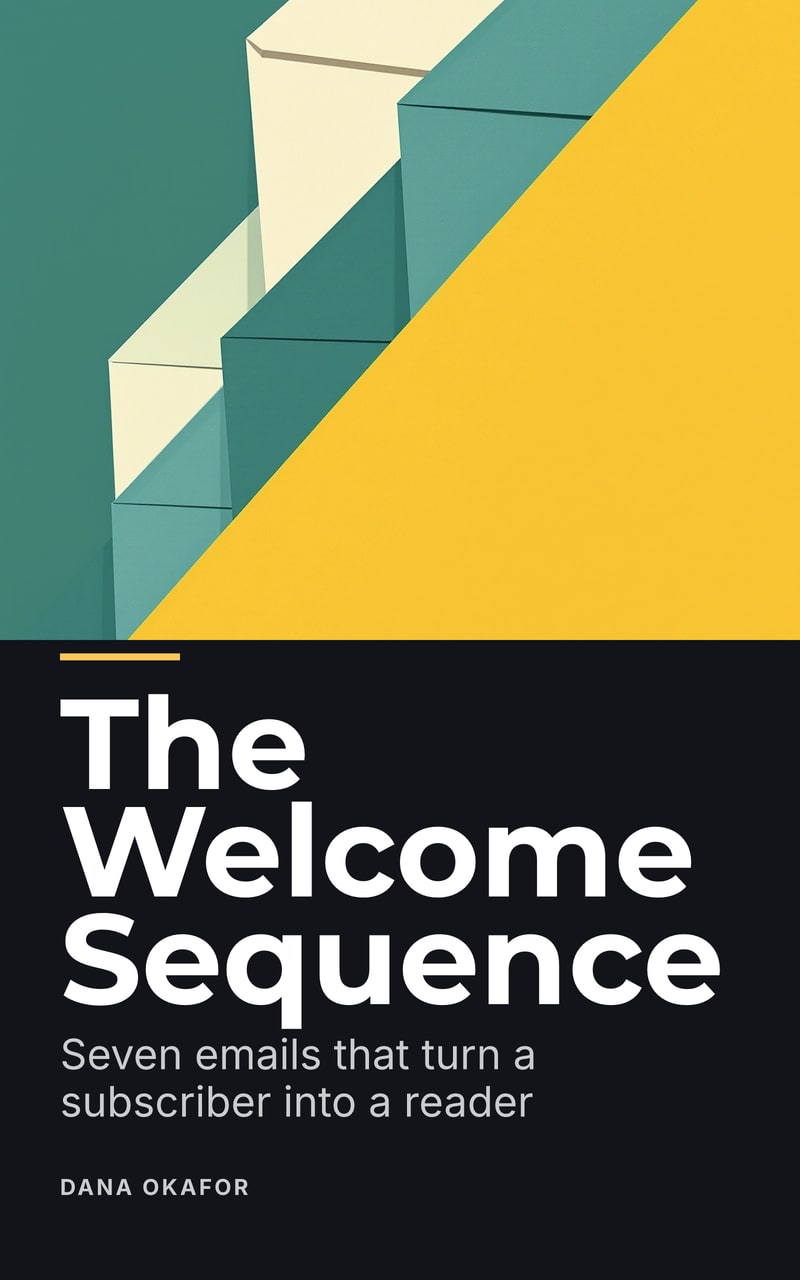
The Welcome Sequence is a real lead magnet for your world: seven emails for a new newsletter, each with its purpose, what to write, an example and a send day. It uses fictional newsletters, with no open-rate statistics. It was generated from one brief and exported without editing, so it isn’t a best-of made from someone’s archive. A book of your own issues would read like you, not like this.
What it does not do
Chapbook doesn’t send email, host an archive, sell subscriptions or read posts behind a paywall. Importing is free, but a clean file or a public page needs a paid plan. It writes nonfiction in English, Spanish, German, French, Portuguese (Brazil), Italian and Dutch.
Ideas
- Lead magnet ideas for newsletter writers Ten lead magnet ideas for newsletter writers, each a brief you can open in Chapbook and change, with one expanded into the real outline it produced.
- Lead magnet ideas for podcasters Ten lead magnet ideas for podcasters, from a start-here guide to the back catalog to a workbook for a season, each a brief to open in Chapbook. Transcripts welcome.
Words to know
- What is a lead magnet? A lead magnet is something useful given away free in exchange for an email address. What makes one work, the usual formats, and how it differs from an ebook.
- What is double opt-in? Double opt-in means a new subscriber confirms their address from an email before joining a list. Why lists use it, and how it works with Chapbook's sign-ups.
- What is an EPUB? EPUB is the open file format for reflowable ebooks. What is inside one, how it differs from a PDF, and what Chapbook's EPUB 3 export includes.
Sources
Last reviewed 30 October 2026
Questions people ask
How do I import my newsletter archive into Chapbook?
Choose “I have a draft” and paste up to 20 links to your posts, one per line, or add up to 10 Word, Markdown or text files. Each post becomes a chapter, with your words exactly as written. Importing is free.
Can Chapbook import paid-only newsletter posts?
Not by link. Chapbook reads a link without signing in, so it can't see text behind a paywall. Save those issues as Word, Markdown or text files and add the files instead.
Can my sign-ups reach Kit and Beehiiv?
Yes, each new reader can. Export your Readers list as a CSV and import it into Kit, Beehiiv or any other email tool, which can ask each reader to confirm.
Does Chapbook connect to Substack?
No. There is no Substack connection. Export your Chapbook readers as a CSV and upload it to Substack yourself. They arrive in the file as unconfirmed, so check that they agreed to your emails first.
Does Chapbook email my subscribers?
No. Chapbook never emails a reader. Anything your readers receive comes from your own email tool, and the campaign Chapbook drafts for you is yours to paste into it.
Read a chapter of your own book before you pay for it.
The outline, one sample chapter up to 2,500 words and a watermarked cover are free: 60 Book Credits on sign-up, no card.