What is a merge field in email?
A merge field is a placeholder in an email that your email tool replaces with each subscriber's own details when it sends, most often their first name. Mailchimp calls them merge tags. One greeting becomes “Hello Ana,” for one reader and “Hello Sam,” for the next.
What it means in practice
Each tool has its own syntax. In Mailchimp, the first-name field is *|FNAME|*. Check your tool’s help before you paste one in, because a field written for another tool can go out as literal text.
Every merge field needs data behind it. If your form doesn’t ask for a first name, you need a fallback for the people who didn’t give one, and “Hello Friend” reads better than “Hello ,”. Send yourself a test with an address that has no name on file.
How Chapbook uses it
The sign-up form on a book’s public page has an optional first-name box, and Chapbook passes the answer along. The CSV export has a first_name column.
The launch campaign’s emails are written without merge fields. Chapbook fills in their links itself, so what you copy is ready to paste, and any personal touch is yours to add in your email tool.
In a real book
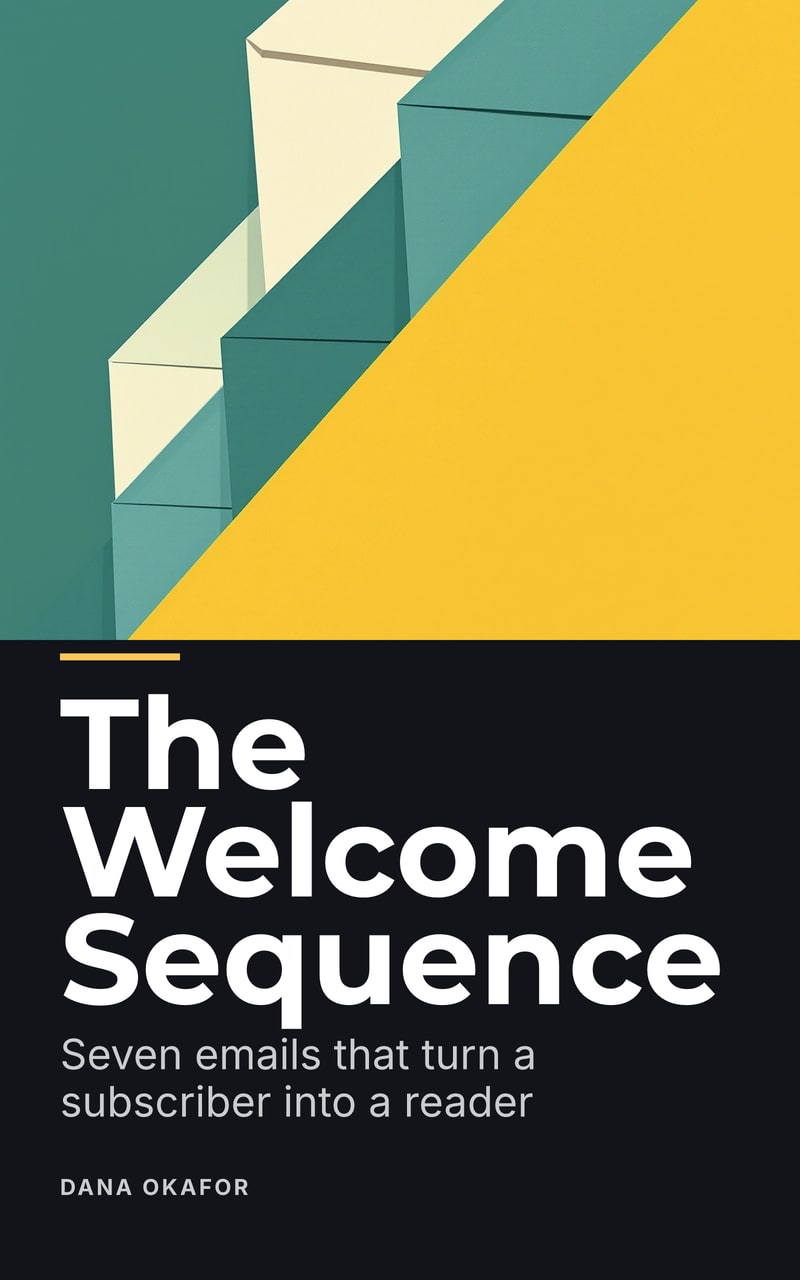


Sources
Last reviewed 30 October 2026
Related terms
- What is a welcome sequence? A welcome sequence is a short series of automatic emails a new subscriber gets after signing up. What each email does, and the one Chapbook writes from your book.
- What is list hygiene in email marketing? List hygiene means keeping an email list to addresses that work and people who still want your email. What to remove, why Gmail cares, and what stays in your tool.
Make one
Questions people ask
What happens when a subscriber has no first name on file?
It depends on your tool and its settings. In Mailchimp you can set a default value, such as “Friend”, so the email reads “Hello Friend” for anyone whose first name isn't in the system.
Do Chapbook's emails include merge fields?
No. The launch campaign's emails are written as plain text, without any tool's merge fields, so you can add your own when you paste them in.
Read a chapter of your own book before you pay for it.
The outline, one sample chapter up to 2,500 words and a watermarked cover are free: 60 Book Credits on sign-up, no card.