Course workbooks and lead magnets for course creators
Course creators use Chapbook to make a companion workbook students can fill in on screen and a free guide that builds the list before a launch. If the lessons already exist, bring them: “I have a draft” turns your Word, Markdown or text files into chapters word for word, free, and you choose the look. If they don't, Chapbook drafts from one paragraph and your notes.


What course creators make with Chapbook
- Workbook 1,000–20,000 words
- A companion to the course, one section per module, with exercises that use the student's own numbers and answer lines they can type on in the PDF.
- Lead magnet 1,000–10,000 words
- A free guide to the first problem your course solves, given away from its own page or embedded on your sales page before the launch opens.
- Nonfiction book 5,000–40,000 words
- The course as a book, for people who will never watch twelve hours of video, sold or given away wherever you already reach them.
“I already have the content.”
Most course creators do, which is why you don’t have to generate anything. Choose I have a draft, add your lesson scripts or notes, and each document splits into chapters at its main headings. You can rename, merge, split or leave out chapters before the book exists. Your words go in as you wrote them, and importing is free.
The catch is that a lesson script reads like someone talking to a camera. You can edit it yourself in the manuscript, or ask the assistant to tighten a section for the page. That costs credits, the price shows before it runs, and each change arrives as a suggestion you accept or reject. A word for word import stays word for word until you say otherwise.
“Students won’t do a PDF workbook.”
They are more likely to if they can write in it without a printer. Turn on Fillable answers in the look and the answer lines and empty boxes become fields in the PDF. Nothing changes on the page until someone types, so the same file still prints cleanly for students who want paper. Fields work only in the digital PDF: the paperback interior, the EPUB and the Word file stay as they are.
Fields are also not a course feature. You won’t see what a student wrote, and Chapbook doesn’t know who finished.
“I need it before the launch, and I need it to bring people in.”
A free guide can go on a public page, where a reader signs up to download the PDF. Paste the page’s embed code into your sales page and the same sign-up form sits there without sending anyone away. Give each affiliate, podcast or YouTube video its own named link and you can see which of them brought readers. Export the list as a CSV and import it into Kit, Mailchimp, Beehiiv, MailerLite or any other email tool, which can ask each reader to confirm. Sort that out before your launch sequence starts.
The sample on this page
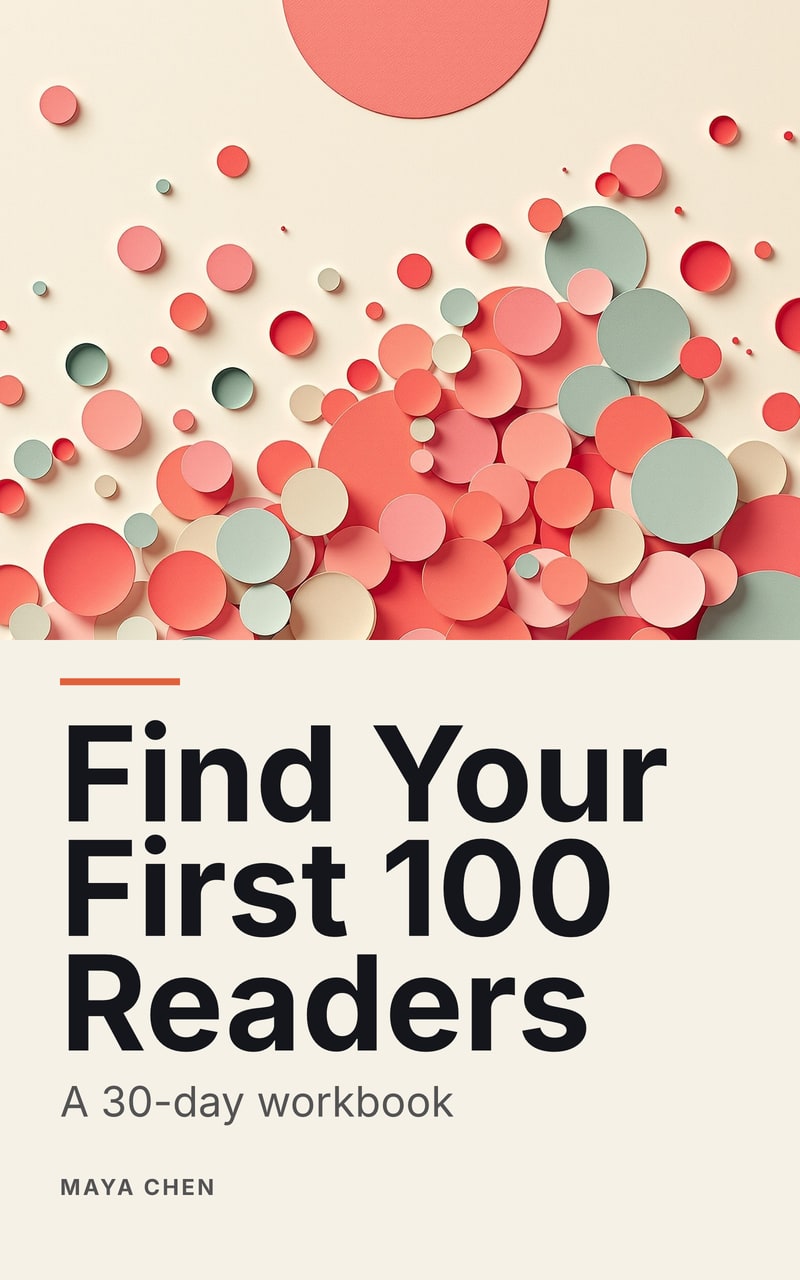
Find Your First 100 Readers is a 30-day workbook: short lessons, a fill-in exercise after each, a checklist at the end of every week, and later exercises that use earlier answers. It was generated from one brief and exported without editing. It is not a companion to a course, but a section per module takes the same shape as its section per week. The brief beside this text starts one that is.
What it does not do
Chapbook does not host video, run quizzes, issue certificates, manage student logins or take payments. A book page is free to its reader, so it is the wrong place for anything students paid for. Chapbook doesn’t send email to anyone on your list, and it writes nonfiction only, in English, Spanish, German, French, Portuguese (Brazil), Italian and Dutch.
Ideas
Words to know
- What is a lead magnet? A lead magnet is something useful given away free in exchange for an email address. What makes one work, the usual formats, and how it differs from an ebook.
- What is double opt-in? Double opt-in means a new subscriber confirms their address from an email before joining a list. Why lists use it, and how it works with Chapbook's sign-ups.
Questions people ask
Can Chapbook use the course material I already wrote?
Yes. Choose “I have a draft” and add up to 10 Word, Markdown or text files, or up to 20 links to blog posts. Each becomes chapters, your words exactly as written. Importing costs no credits.
Can students fill in the workbook on screen?
Yes. Turn on Fillable answers in a workbook's look and students can type on the answer lines and tick the boxes in the PDF, in any PDF app that fills in forms, including web browsers.
Does Chapbook connect to Kajabi, Teachable or Skool?
No. Chapbook has no connection to a course platform. You download the workbook as a PDF and attach it to a lesson, or post it to your community, the way you would any other file.
Can I sell a workbook on a Chapbook book page?
No. A book page gives the book away in exchange for an email address, and Chapbook takes no payments. Keep a paid companion inside your course and use the page for your free guide.
Does Chapbook host lessons or track student progress?
No. Chapbook makes the book and the page that collects its readers. Video, quizzes, logins and progress stay on your course platform.
Read a chapter of your own book before you pay for it.
The outline, one sample chapter up to 2,500 words and a watermarked cover are free: 60 Book Credits on sign-up, no card.