Lead magnet landing page: what to put on it
A lead magnet landing page needs six things: a headline that names the result, what is inside, a picture of the book, who it is from, a short form, and a plain line saying what they will get by email. Leave out the menu, other offers and any field you won’t use. The page has one job: helping someone decide whether to sign up.
The six parts
| Part | Its job | How to test it |
|---|---|---|
| Headline | Names the result for one kind of reader | Would your reader say this about their own problem? |
| What is inside | Shows that the book is specific | Could these bullets be about another book? If so, rewrite them |
| The book itself | Shows that it is real | Is it the actual cover or page, large enough to read? |
| Who it is from | Says why to believe you | Does it give a reason, not only a job title? |
| The form | Takes the decision | Can you name a use for every field? |
| The line under the form | Says what they are agreeing to | Would anyone be surprised by the next email you send? |
Keep the form short
Nielsen Norman Group’s advice on forms is plain: “Remove fields which collect information that can be (a) derived in some other way, (b) collected more conveniently at a later date, or (c) simply omitted.” It adds: “Every time you cut a field or question from a form, you increase its conversion rate.”
For a free book that usually leaves one required field, the address. A first name is worth asking for only if your emails will use it, and you can leave company size and phone number to a later conversation.
Write the line under the form
Most pages treat this as legal small print, but it is one of the most useful sentences on the page. It sets what the reader expects, and missed expectations are how you get spam complaints.
- Say who will write and about what. “You’ll get the guide, then a weekly email about pricing from Sam.”
- Say they can leave. “Unsubscribe anytime” is enough.
- Leave any box unticked. Google’s sender guidelines warn against “opt-in forms that are checked by default”.
- Link your privacy notice. Where the GDPR applies, Article 13 lists what people must be told “at the time when personal data are obtained”, including who you are, why you want the data and how to withdraw consent.
One more point for readers in the EU. Article 7(4) says that when judging whether consent is freely given, “utmost account shall be taken” of whether a service is conditional on consent to processing it doesn’t need. A download that requires joining a marketing list raises that question, so ask a lawyer how it applies to you. This guide isn’t legal advice.
What to leave out
- The site menu and other offers. Give the reader one thing to decide. A small footer with your privacy notice and contact details is enough.
- Invented proof. No download counts you can’t back up, and no quotes from readers who didn’t say them. A page with no testimonials is better than a page with a fake one.
- False urgency. A countdown on a file that will always be there tells the reader not to trust you.
- The whole sales pitch. The book does that later. This page only has to earn an email address.
After the form
The moment after sign-up is part of the page. Say where the book is: on the screen now, or in an email on its way. If a confirmation is needed, say so, name the sender, and suggest they check spam. How to deliver a lead magnet compares the options, and double opt-in has its own guide.
Then read one number for each place you share the page: how many visitors signed up. Small lists move around a lot, so don’t read much into a few days.
Where Chapbook fits
On a paid plan, each book can have one public page. It holds a headline, a description, bullets, contents, an author block and a sign-up form, and Write it for me drafts the copy for you to review. Under the form, readers see “You’ll get emails from” followed by your pen name, then “Unsubscribe anytime”, linked to a privacy notice. That line is stored with each sign-up.
The page also carries bot protection on the form and shows views and sign-ups by named link. You decide whether search engines may index it, and it stays out of them until you do. After the form, the reader can read the book or download the PDF straight away. Sign-ups go to your Readers list, and from there you can export each sign-up as a CSV for your email tool. Chapbook sends no email to readers.
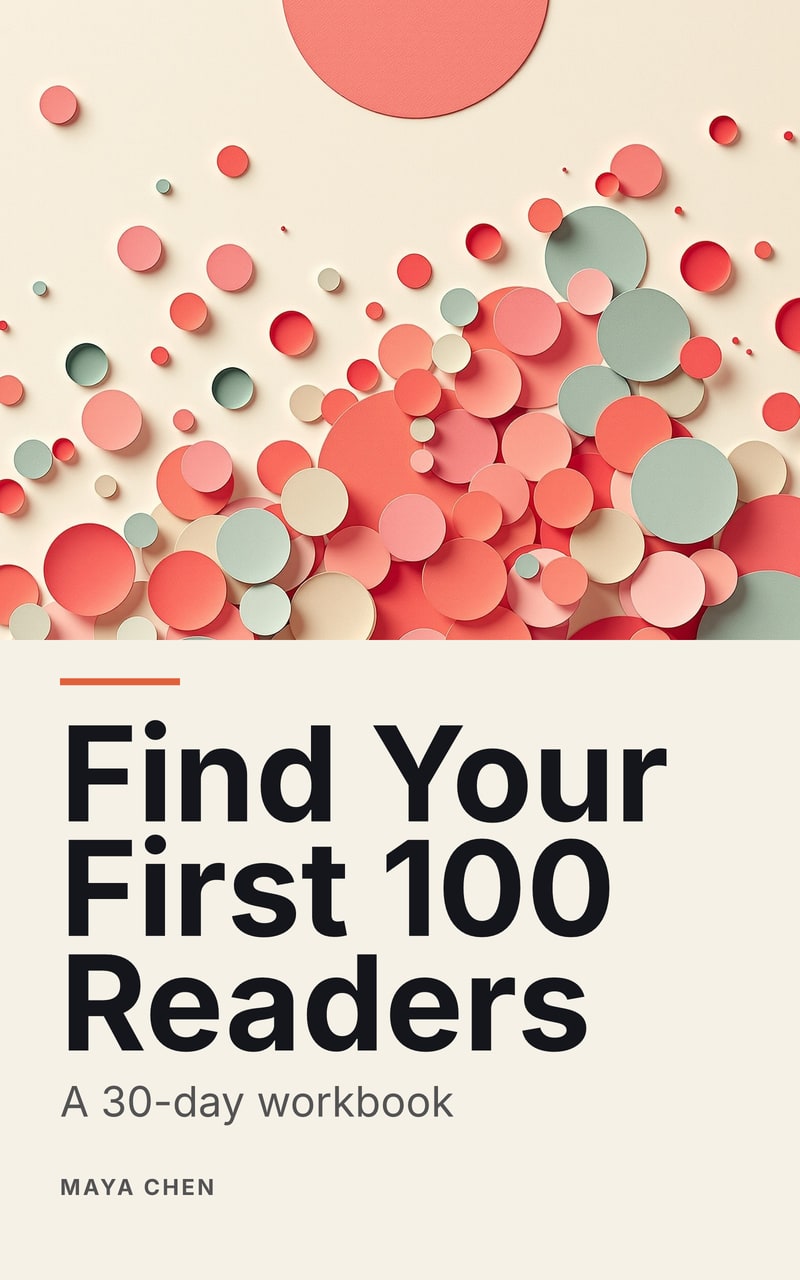
The sample on this page is a workbook whose second week is about a reader’s promise and page, so it covers some of the same ground from the author’s side.
What to do
-
Write the headline as a result
Name what the reader will be able to do, not what the file is. “Five pricing mistakes, and the first step to fix each one” says more than “Download our free guide”.
-
List what is inside
Three to five bullets, each a specific thing they will learn or get. Use real chapter titles if they are good. Vague bullets tell the reader the book is vague.
-
Show the book
A cover or an open page tells them it is a real thing with real pages. Use the actual book, not a stock photo of a tablet.
-
Say who it is from
One or two lines with your name and why you know this. Add a quote only if a real reader said it and agreed to be quoted.
-
Cut the form down
Ask for an email address, and a first name if you will really use it. Each extra field should earn its place, so remove any you can’t name a use for.
-
Say what happens next
Under the form, say what they will get by email and that they can leave. After the form, say where the book is and whether to look for a confirmation email.