Lead magnets and ebooks for SaaS marketers
SaaS marketers use Chapbook to ship a downloadable guide, a setup workbook or a playbook without pulling a writer and a designer off the roadmap. Add your docs and best posts as sources, approve the outline, and Chapbook drafts and typesets the book in your brand's fonts and colors. Host the sign-up on its page or embed it, and send readers back with a UTM-tagged link.


What SaaS marketers make with Chapbook
- Lead magnet 1,000–10,000 words
- A gated guide to the job your product does: the mistakes your support team sees weekly, or the questions a buyer should ask in any demo.
- Workbook 1,000–20,000 words
- A setup workbook with one task a day for trial users or new accounts, so onboarding can run without a call.
- Illustrated guide 2,000–8,000 words
- An illustrated walk through a concept or report people misread, with your own screenshots uploaded in place of any generated picture.
- Nonfiction book 5,000–40,000 words
- A longer playbook on the work itself rather than the software, for a buyer to keep and for your sales team to send after a call.
“We can write this ourselves.”
You can, and the reason it hasn’t shipped is probably not skill. The guide is third in the queue behind the launch post and the case study, and design is booked until next quarter. Chapbook gets you to a typeset draft you can edit, with the outline approved first, so your time goes on the argument rather than the layout.
If the draft is already written, skip the drafting. I have a draft takes your Word, Markdown or text files, or up to 20 blog post links, and makes them chapters word for word, free.
“It’ll read like every other AI ebook.”
It will if the brief is thin. Add your docs, your best post and the support macros that show what customers really get wrong: up to 10 sources per book, which chapters draw on and can cite. Your best writing becomes a voice profile. The brief on this page tells it to reason from fictional examples and not to make up benchmarks. Read the result anyway, because a draft can state a number with confidence, and benchmarks are the first thing a skeptical buyer will question. The product details are the second, so check them against your docs.
“Where do the leads go, and can I measure them?”
Sign-ups land in your Readers list with the named link that brought them. Readers export as a CSV, which you can import into your CRM. There’s no native HubSpot or Salesforce connection.
A book page doesn’t allow your pixels: the terms bar third-party trackers and analytics scripts there. You get its views, sign-ups and conversion per named link, and the book’s last page links to your site with utm_source=chapbook and utm_medium=book, plus the title as the campaign. Your own utm_ values are kept. If you need full attribution in your own stack, gate the PDF behind your own form and skip the page.
Each sign-up is unconfirmed, so confirming it is your email tool’s job. Chapbook never emails your readers.
The sample on this page
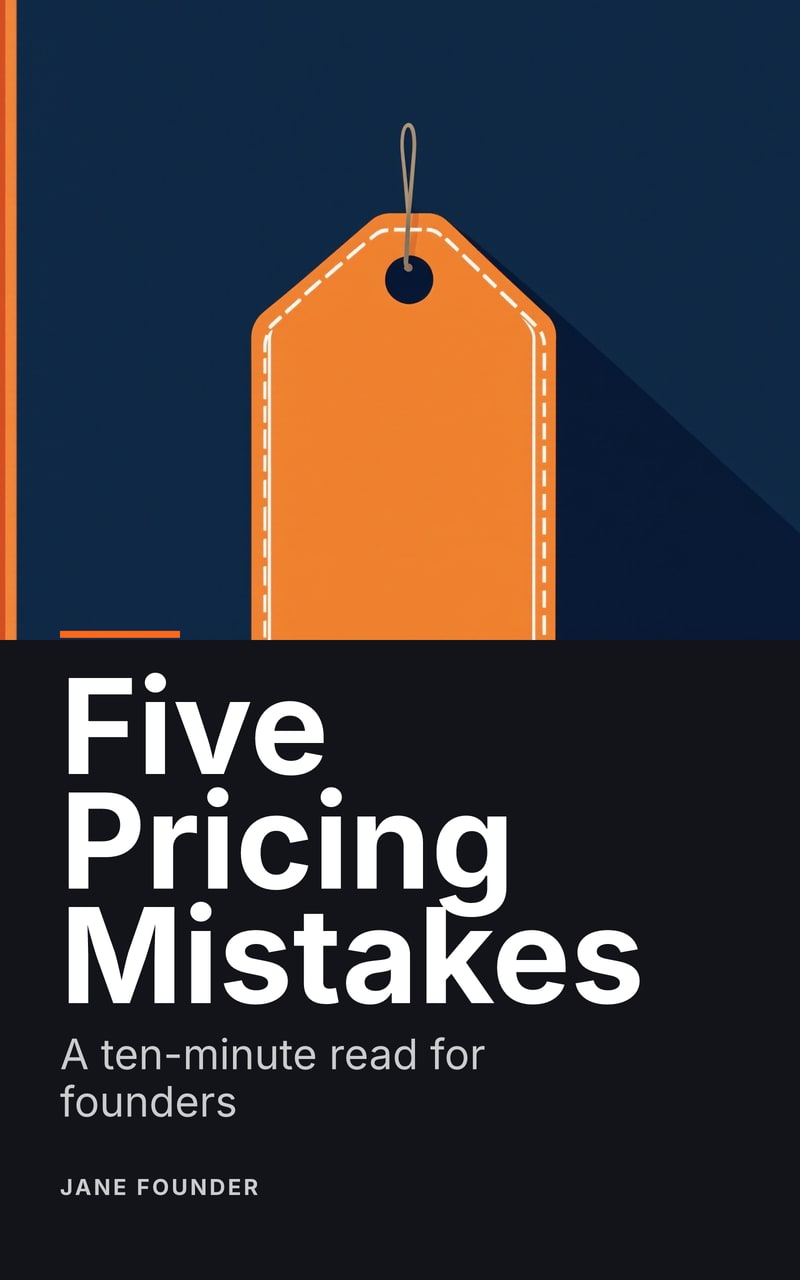
Five Pricing Mistakes is a short guide for software founders, so this one really is close to your world: five named mistakes, a first step for each and a one-week plan at the end, with fictional companies in place of made-up numbers. It was generated from one brief and exported without editing. See ten more ideas for a SaaS company, each with a brief of its own.
What it does not do
Chapbook has no team seats or approval workflow, no native CRM connection, no A/B testing of pages and no custom domain for a page. It doesn’t send email or post anywhere for you. It writes nonfiction in English, Spanish, German, French, Portuguese (Brazil), Italian and Dutch.
Ideas
Words to know
- What is a lead magnet? A lead magnet is something useful given away free in exchange for an email address. What makes one work, the usual formats, and how it differs from an ebook.
- What is double opt-in? Double opt-in means a new subscriber confirms their address from an email before joining a list. Why lists use it, and how it works with Chapbook's sign-ups.
- What is an EPUB? EPUB is the open file format for reflowable ebooks. What is inside one, how it differs from a PDF, and what Chapbook's EPUB 3 export includes.
Questions people ask
Does Chapbook connect to HubSpot or Salesforce?
Not directly. Readers export as a CSV, which you can import into your CRM.
Can I put our analytics pixel on a Chapbook book page?
No. A book page may not load a third-party tracker or analytics script. The page has its own numbers per named link, and the book's links arrive at your site with UTM tags your analytics can read.
Can the sign-up form live on our own site?
Yes. A live page gives you a short iframe code for a sign-up card with the cover and form. To use your own form instead, download the PDF and deliver it yourself; the page is optional.
Can the ebook use our brand fonts and colors?
Yes. Save a look with your fonts, colors and logo to your author profile as a brand look, and new books begin with it. You can also describe a look in your own words or give a reference image.
Can several people on our marketing team share one account?
No. Chapbook accounts are personal, with no teams, seats or roles. A private reading link lets anyone read the draft without an account, and the Word document is there for your editor's tracked changes.
Read a chapter of your own book before you pay for it.
The outline, one sample chapter up to 2,500 words and a watermarked cover are free: 60 Book Credits on sign-up, no card.